small business tips
Gold Coast Business Website Design – Balance
How your site looks when finished is an important element, but must be balanced with getting visitors there in the first place. If you want visitors to enjoy your site and revisit it over and over, you need to build a site that is attractive, easy to use, stuffed full with useful information AND in the top 20 Google results. Without high search engine visibility, it does not matter what your website looks like.
Gold Coast Business Website Design- Loading Time
We keep the size of your website as small as is practical. Excessive loading times are a death knell for any site. The larger the files are that must load, the longer a user’s load time is going to be. Most users will click away if the page doesn’t start to load within the first few seconds of opening your page.
When you are creating graphics or photos for your website, be sure to keep the file size small, but without making the images too small for clarity. Optimizing your images is something we do before loading them to your website, so if in doubt, give us high-quality pictures and we will get the right blend of clarity and file size for your Gold Coast Business Website Design.
Gold Coast Business Website Design- Easy on the Eye
Pay attention to the way the different colours you use on your website interact. You have to make sure that your text will be readable on top of the background colours you use. Dark text on light backgrounds is typically easier on the eyes than the other way around. Ask your friends to give you feedback on the colours you choose.
We always use consistent fonts so that visitors to your site don’t become agitated by too many different fonts. You want people to browse through your site with ease, so that they can just concentrate on the material on the site and what the site has to offer.
Incorporate a site map into your Gold Coast Business Website Design. Sitemaps serve several purposes. First, they make navigation throughout your site much easier for visitors. Second, the major search engines can utilize it to index your entire site. This means your search engine optimization improves, and your website receives more exposure, giving you more profit-earning potential. We include a link to your sitemap from the homepage and make it as simple as possible. The sitemap updates automatically when needed.
Gold Coast Business Website Design: Trust
Personalize your site. Your clients want to feel comfortable with you, so use testimonials from trusted customers, as well as photographs of people. Building trust with your customers is very important, so be sure to let them know you personally care about the product or service you are providing them.
We also check your grammar and spelling. Yes, some mistakes may get past some of your audience, but it will not get past everyone. You could lose some of your audience because of this, particularly if you make mistakes frequently. Poor grammar and spelling on your site make it look unprofessional; we take care that that does not happen.
Gold Coast Business Website Design – Research
Research is very important when it comes to Gold Coast Business Website Design. We research your niche, so you can set your sights on your target audience. We agree on the main Keywords for your website (the phrases you think people will type in when searching for your site). We also discuss your demographics, in order to maximize reaching your target audience.
Stay creative as we work together on designing your site. It’s okay to get ideas from other websites, but let’s make your site as original as possible. Come up with features of your own, and enhance ones that you have found elsewhere.
Considering how many visitors are likely to visit your website on a mobile phone is also very important. All of our websites are mobile friendly, but if 80% of viewers come from mobile phones (eg, teenage fashion) then designing specifically for mobile is a great idea. See the simplicity of the sample web design on the right – loads very quickly on a mobile and looks good on any mobile device; also has “tap to call” and a “sketch” video.
The best websites that I have built are where there is a perfect blend of my web design expertise and your specialist product / service expertise; if we are both open to each other’s ideas, the end result is always better than one person could have achieved.
Ring Terry now on (07) 5549 0927 for help with your Gold Coast Business Website Design, at extremely affordable prices.
Gold Coast Business Websites – Great Web Design Tips to Improve Your Small Business Website.
Gold Coast Business Websites Design Tips – File Sizes
Keep the file size of your Gold Coast Business Website small. This is NOT the same as having a small website. Here is an example that helps to understand the difference. If you have a massive graphic – say 3200 x 3200 – you can either resize it to, say, 540 x 540 BEFORE you upload it or resize the image WITHIN your website. The benefit? Uploading the smaller graphic helps your Gold Coast Business Website load faster, leading to a better experience for your visitor. If your visitor has time to make a coffee while waiting for your website to load, they will almost certainly leave.
Gold Coast Business Websites Design Tips – Web Hosting
Choose your webhost carefully. You should test the performance of several web hosts, using the many free tools available online, including page load speed, plus check how often websites they host are down. Make sure is not hosted with a company that is slow or experiences regular crashes. Better still, leave it to us. With 100+ websites under management, we have already sorted out the good, the bad, and the downright ugly.
Gold Coast Business Websites Design Tips – Feedback
Set up some way to let visitors give you feedback. That way, if they are having a problem or there are missing items on your pages, you will be made aware and can fix the problem. If your visitors feel like they are a part of your site, they will want to return.
Gold Coast Business Websites Design Tips – Mobile Considerations
One thing you should always take into account when you’re thinking about Gold Coast web design is the latest technology that is out there today. As technology advances, so does the web, so be sure you are always up to date with what is changing. The above is especially true of mobile / cell phones and tablets. Many web designers STILL create a website thinking only of a desktop computer. You can check what websites look like on a desktop computer, a laptop, a tablet and various sizes of phones here. With mobile search over 50% now, we design with cross platform viewing in mind – so that your Gold Coast Business Website looks good no matter what it is being viewed on.
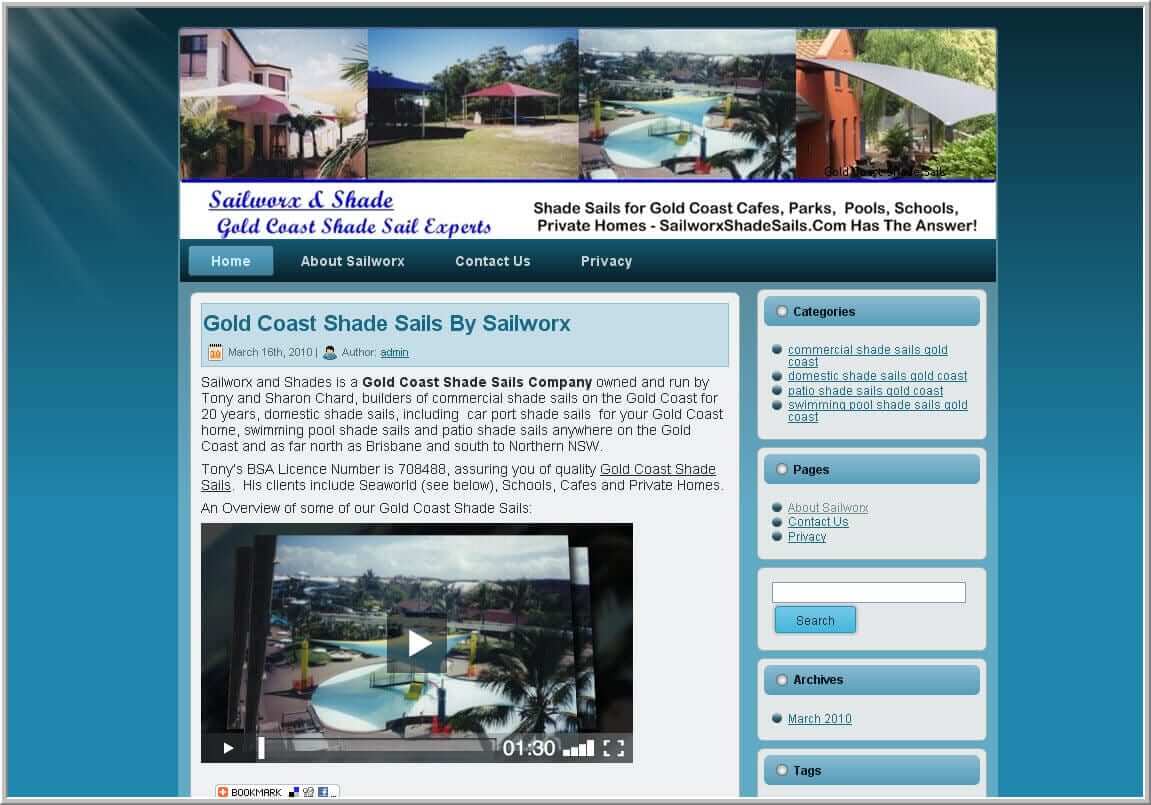
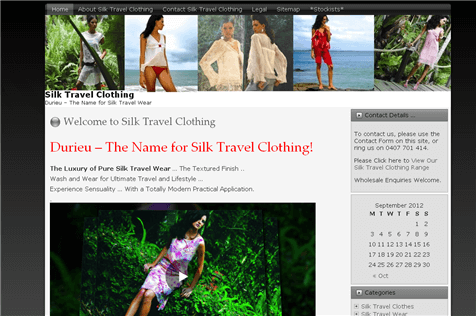
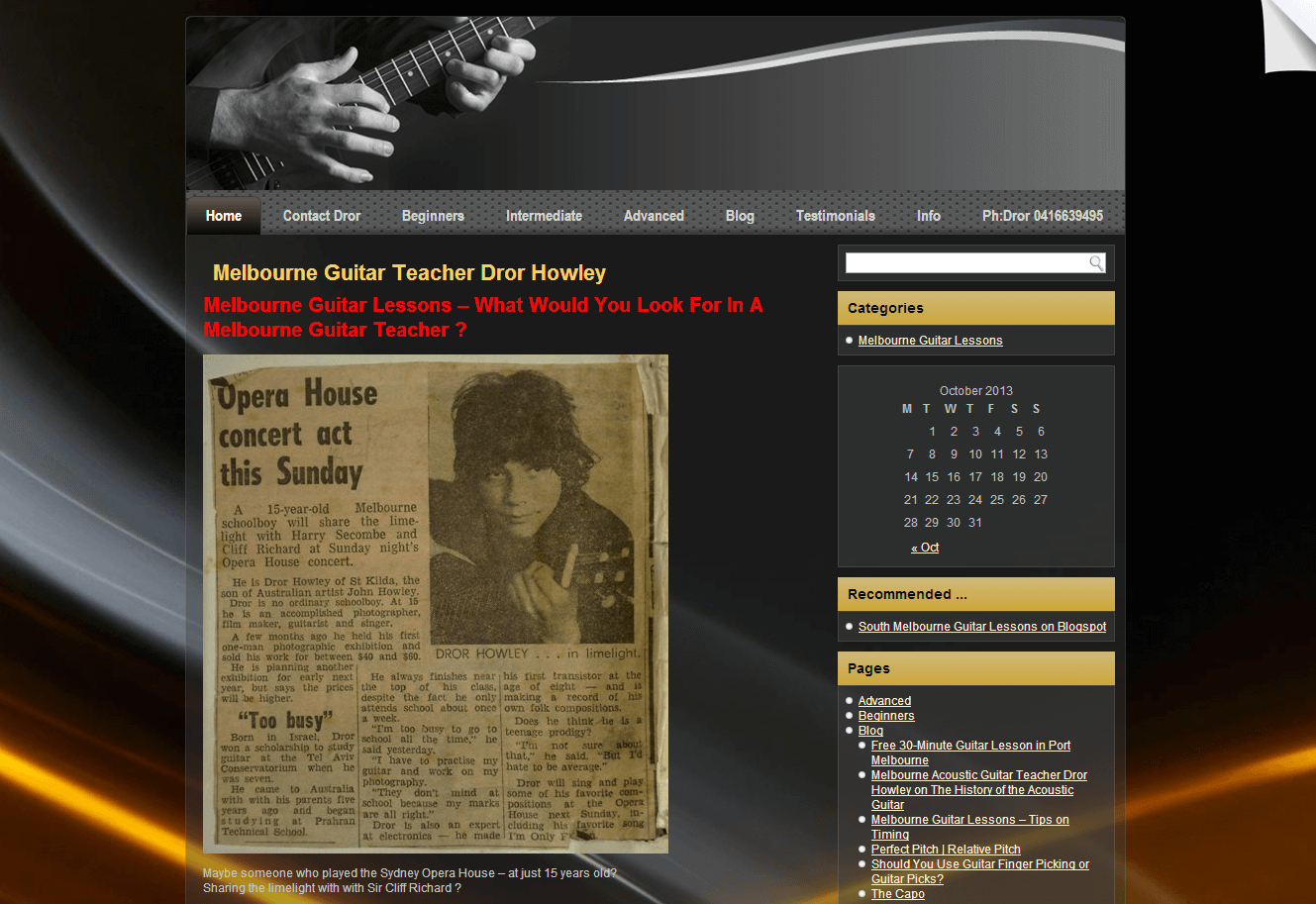
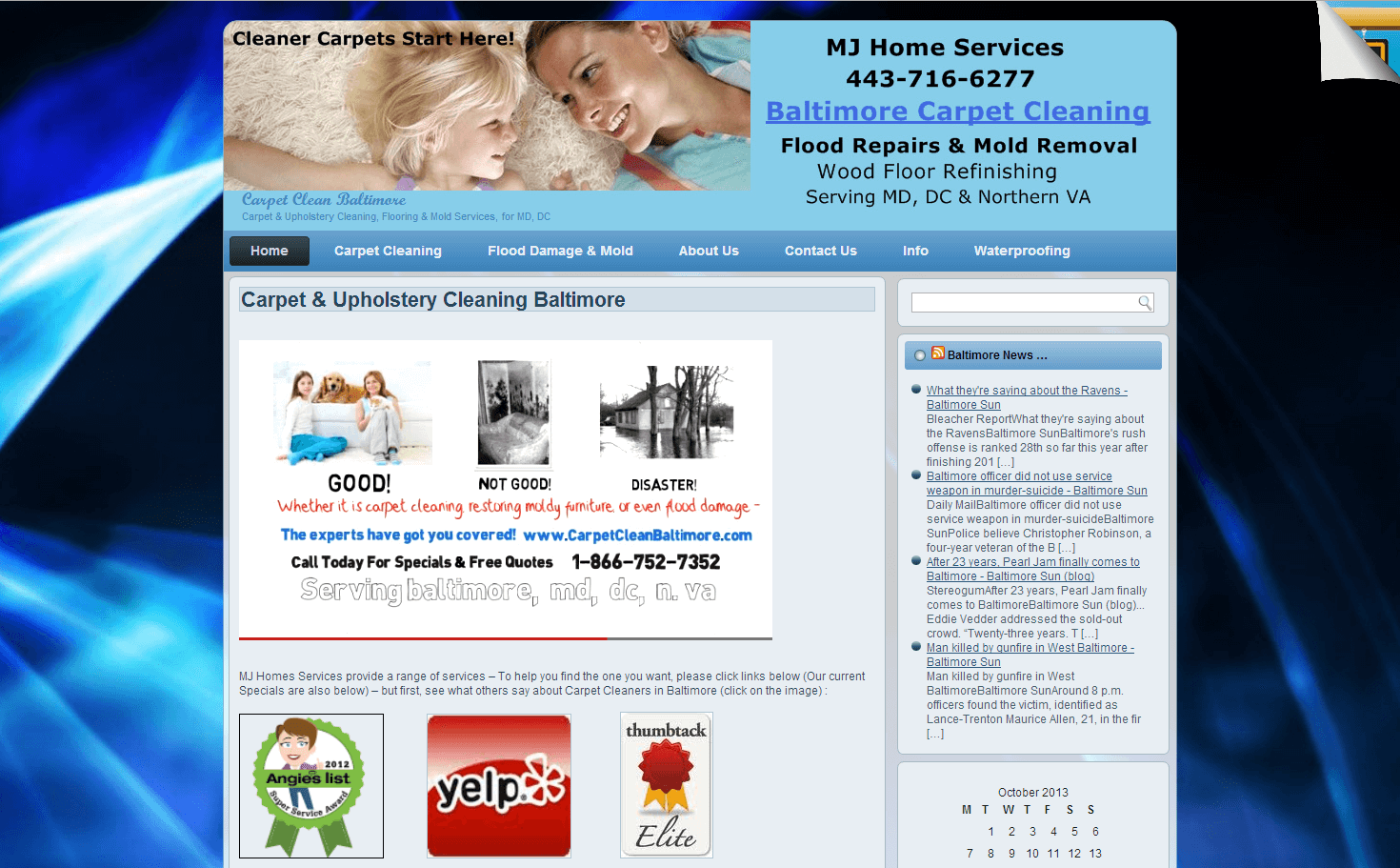
Another of our Gold Coast business websites.
Gold Coast Business Websites Design Tips – Check Links
Double check to make sure that all your links function properly. If your links are broken, your visitors may assume the info they are looking for is unavailable, and leave your site. To avoid this, check to make sure everything works.
Gold Coast Business Websites Design Tips – Header Image
A great-looking website starts with a great looking header image. This is the first thing visitors see when visiting your website, so making sure your header graphic is eye catching, topical and professional is a smart move. Create your own custom header rather than using a premade header – or get us to do it for you.
Gold Coast Business Websites Design Tips – KISS
You can build your own website, but there are many facets to web design, from learning HTML, to knowing search engine optimization techniques, to working with scripts, knowing how to keep your website safe from hackers, etc. Or you can go with experts and save yourself a huge headache.

Ring Terry now on 0468 420 470 for a free quote on your Gold Coast Business Website.
Web design can be confusing, frustrating and even a little scary. Setting up your unique online identity can be difficult, but that’s where we come in. Blending together our knowledge of web design and your expert knowledge of your business delivers a great result!
It can be tempting to make your site look cutting edge by including every new web design option out there, but it can end up turning people off. Avoid trying to add every new gadget to your website; be guided by your web designer. Simple always works better!
An important aspect of “Simple” is that websites need to look good across a variety of devices these days, from wide screen desktop computers to small mobile phones. If you go to www.seemywebsiteonmobile.com you can see existing websites across a range of devices – we use these to ensure you look good, no matter what device users have. Many web designers do NOT factor in various device types, so you need to be careful on this.
Make sure all of your webpages actually have titles, and ensure they have helpful descriptions. A surprising number of webpages out there are called “untitled document” or “new document” or “home page”. Titles and descriptions are important to guide both human visitors and the Google bot to navigate your site easily and improve your search engine rankings. The titles and descriptions are generally what shows up in Google search results and they need to be helpful to your visitors.
Avoid using too many graphics. While graphics are important to give your website a professional, cohesive and well-designed look, it is easily overdone. You should never use graphics simply to decorate your site; they are used to improve your site. Also, go Pro – amateur graphics can destroy your site. Even worse, “borrowing” graphics can destroy your finances – do not use copyright images without permission; it can be very expensive!
Learn how to use web design colors to influence your readers. Every color has a certain feeling that it can induce. Read up on the psychology of colours and match it to your likely audience. This article by Kendra Cherry is a great read on how colours inflence us. Most of us know that blue is the “trust” colour, and that red excites, but Kendra goes deep into the psychology of colours.

Wellness Coach Gold Coast
Make sure you provide a Navigation Menu on every page of your site. While this menu does not have to link every single page of your site – this could be an exhaustive list if you have a very large site – it should provide links to the main pages. This ensures that your visitors do not have to return to the home page and start over again when it is not necessary. A Site Map is a great idea for helping people find their way around your website. To help your website function as intended, make sure all your links are working.
While it might free up some funds to use elsewhere in your business, hosting your own website is a bad idea. You should have input into the design of your website, but let Your web designer worry about the technical issues of web design – you need to spend your time focused on building your business. As far as design goes, it should be a combination of your business expertise and your web designers expertise; listen to your web designer, particularly on technical issues, but ensure the website reflects your vision too.
Learn as much as you can about the basics of html, as it is crucial to web design. Designing your site in WordPress ensures you can work in “visual” or “text / html” mode but is useful to have basics of html. When you learn about html go ahead and make a couple of pages that are sort of filled with the information that you want to add to any of the sites you plan on working on.
As time goes by, try to update the content of older sites. Make sure that any of the sites you build are up to date with modern technology – avoid a site that looks dated.
Have your web designer test your website to ensure that it works with the different types of browser, especially the main one like Internet Explorer, Google Chrome, Firefox, Safari etc. Make sure that, having built your website, viewers have a good experience when they get there.
 Write content for your page with literacy levels in mind. Not everyone viewing your page will have graduated Harvard with an advanced degree, and some may have not even learned to read longer than a year or two ago. If you wish to expand your audience, you must first produce content that they can comprehend.
Now that you know all you need to know about web design – and to hold your own in a conversation with a web designer – ring Terry on (07) 5549 0927 and let’s design a killer website together!
Effective Gold Coast Web Design is a blend between my web design skills and your business skills. You know what you want – I can make it happen!
Have you ever visited a website and asked yourself how they could have made it so great? From layout to graphic design, there are many elements which turn a website from good to great. This article will show you some of the many tips and tricks which the pros use to make your website so much better than a home-made one.
Don’t try to fit too much onto one page when you’re designing a website. If your page is too busy it will take a lot longer to load and can overwhelm visitors. When you’re going to be putting up a lot of content, create pages for everything you can to reduce the clutter on your page. Then link pages together so that your visitors can move around your website easily.
Then make your links obvious. Customers do not like spending time wading through your site searching for something they are interested in. Having a site map, as well as providing big, prominent links will help your viewer find what they are looking for without wasting time in a hunt. Lead them to your information.
To help your Gold Coast Web Design function the way it is intended to, check to make sure all your links are working.
 For your image tags, make sure your Gold Coast Web Designer includes a brief description in the ALT attribute. Not only is this good for search engine optimization, but it is also beneficial to the sight-impaired users who rely on screen readers to describe image tag contents. Make your description short and as descriptive as possible.
The right tools are essential for good sites. Building a site from scratch can be overwhelming for amateur designers, so take advantage of the wide variety of design tools and programs that pro web designers have available. Some of these web design tools cost hundreds of dollars; others are known only to the expert. You can build your own website but the lack of tools and know how mean it will probably look home made, not professional.
In addition, things change very quickly online. Most pro web designers are members of online forums that allow them to stay update. Google, in particular, changes the rules several times a year. Pro Gold Coast Web Designers make time to stay up to date; if you are running a full time business, staying up to date on web design issues is extremely difficult.
When joining these online forums you meet people who usually have an understanding of all the new web design technology, and specialised expertise in almost any area of web design. However, much of language is “geek” that only the pro web designer understands. Without the latest web design technology you could end up with a site that is completely outdated.
Always make sure that your Gold Coast Web Design works well in every browser. Your coding might look great in Firefox, but it could be askew in Internet Explorer. You need to ask you web designer to ensure that things look good in all popular browsers. For more on different web browsers, please click here.
Educate yourself on how a website actually works – that way you know if your Gold Coast Web Designer is being straight with you. We show you how to deal with simple problems on your site (like changing a phone number or address), saving you time and money, while educating you on things you should use us for (like changing the site settings).
Know your subject. If you plan on using your site for a blog or similar endeavor, you should be sure to do thorough research on the subject before you talk to a web designer. Having a “look and feel” for your site, eg , similar to www.examplesite.com, can speed up the process for you.
Some people even sketch out a design on their computer, or drawn it on a piece of paper. But, be open to changes – as you develop the site, you or the web designer may have ideas that improve the original concept.
Don’t use too many different fonts or text colors on your web pages. Word processing or web authoring software may present a dizzying array of specialty fonts or wacky colors, but if you use too many, the text on your website may become unreadable. A good practice is to use just one or two fonts per page and avoid excessive use of bold or italic text.
But the best tip we can give you is to ring Terry on 0468 420 470 now and get pro Gold Coast Web Design working on making your dream a reality!
Small Business Owners need to listen when Google talks. Matt Cutts is one of the more “public” faces of Google and a great source of info on how to get Google to love your small business website.
Rodney Bartlett interviews Google’s Matt Cutts. Matt had some excellent tips for small business owners and answered a few great questions. Duration : 0:10:29